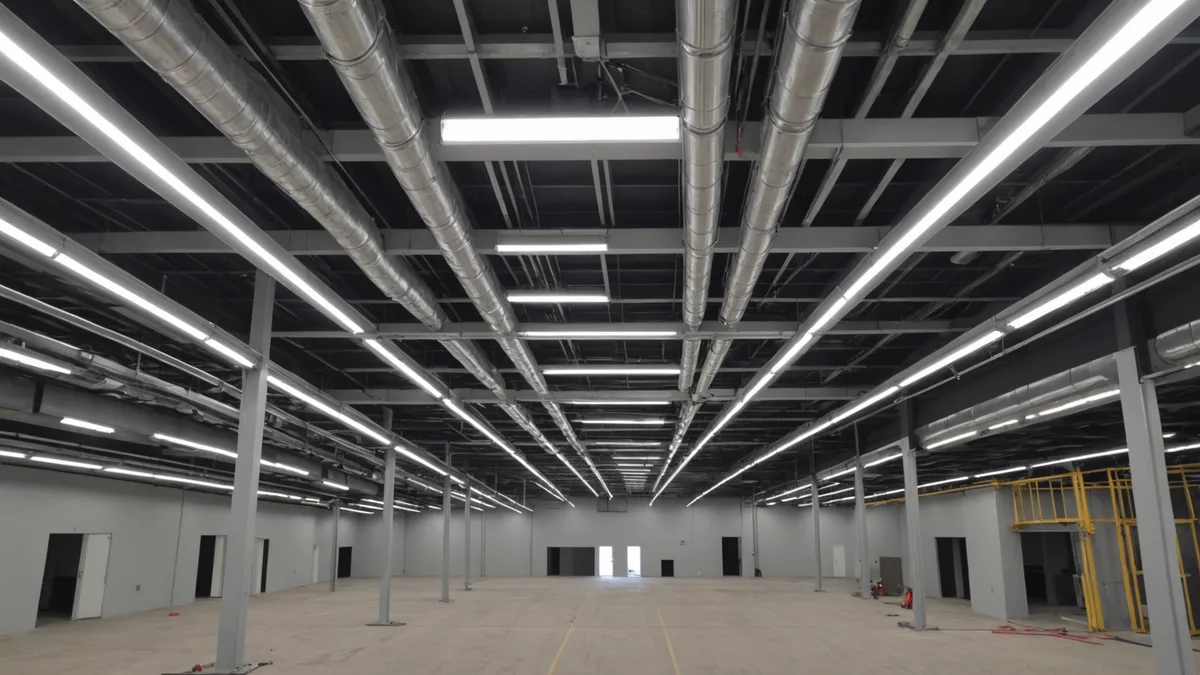
A 3,000-square-foot B space supports an occupant load of 30, while the same space classified as A-2 supports 200. That sevenfold increase can change exits, travel distance, fire-rated separation, and allowable area. This article tracks the code effects of an occupancy change and the BIM data that must change with it.
Occupancy classification is not just a label on a code sheet. It drives five checks: occupant load, exit count, travel distance, required separation, and area allowed for the occupancy group. In a BIM workflow, each check depends on the model carrying the current occupancy information.
How One Occupancy Change Spreads
For business areas, IBC 1004 assigns B an occupant load factor of 100 square feet per occupant. A-2, which covers assembly uses with food and drink such as a restaurant or bar, uses 15 square feet per occupant. In a 3,000-square-foot room, that changes the calculated load from 30 people to 200.
The higher load can require more exit capacity. IBC 1006 requires at least two exits when the occupant load exceeds 49 people. Travel distance also tightens: IBC 1016 allows 200 feet for B and 150 feet for A-2. A classification change can therefore affect plans that have not otherwise moved.
BIM Data Can Lag Behind Design
In Revit and ArchiCAD, occupancy and space-use information lives in room parameters. A room tag may show one description while the occupancy classification parameter still carries another value. That difference is easy to miss when a restaurant, amenity area, or other program change is made late in design.
Kestrel Labs reads the model file, parses occupancy group assignments from model properties, and maps them to the applicable code requirements. The system flags what the model says, not what the design team intended. If model data lags behind a design decision, the compliance check runs on the wrong inputs.
The practical fix is to make occupancy updates part of the design change workflow. Updating the room label is not enough because the label and occupancy parameter are different data fields. Firms in our beta are using that handoff as a prompt to update both before running another check.
Separation Requirements Follow Use
Occupancy changes can alter the fire-resistance rating between adjacent uses. Under the separated occupancy approach, IBC Table 508.4 controls the required separation between occupancy groups. In a sprinklered building, an A-2 space next to R-2 residential requires a 2-hour rated assembly, while B next to R-2 requires 1 hour.
That requirement reaches into walls, floors, doors, and other elements that may already be coordinated in the model. A use change can create a rating gap even when the room boundary has not moved. The model needs the updated group assignment so the separation check reflects the proposed arrangement.
Area Limits Change With Occupancy
IBC 503 and 506 set allowable area by occupancy group. For most construction types, A-2 has smaller allowable areas than B. A room or floor that fit within the limits as business space may need a different area review after becoming assembly space.
Area accounting should follow the current occupancy groups, not an earlier program version. Review the affected room, the larger occupancy group arrangement, and any related code analysis after a classification change. The result may affect how the project is divided or documented, even without a change to the gross building footprint.
Run the Checks Before Review
A full reclassification check is triggered by a change that modifies a space's occupancy group assignment or significantly changes the ratio of occupancy groups. Not every minor program iteration requires a full code review. The trigger is a meaningful change in the code inputs.
When that trigger occurs, re-verify occupant load, exit count, travel distance, required separation, and per-occupancy area. These are the five checks most likely to move when B becomes A-2 or when another occupancy group changes. We built Kestrel Labs for architecture and engineering firms that need this review while the design is still moving. Our three-person Denver team is working with early beta users to catch mismatched model data before it reaches plan review. The model reflects what you told it, not the design intent.